How to use BuySpan
STEP 1 – Get your Spanish address
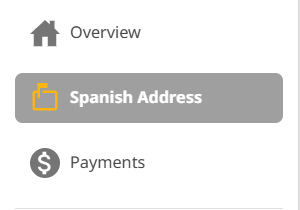
After signing up, you’ll have to login to your account to get the free Spanish address.
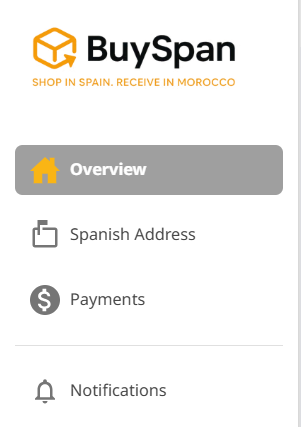
You can access this by simply clicking on the tab that says Spanish Address.
• Use this address when placing orders from Spanish online stores that don’t ship to Morocco.
• Make sure that you type the address as is and do not modify any info.
Make sure that you check our list of prohibited items before placing an order.
After placing the order, you’ll just have to wait for the shipment to arrive at our Spanish facility.
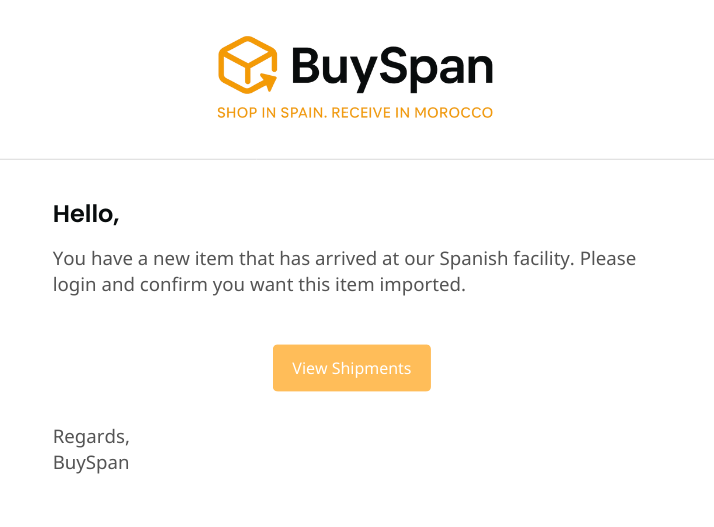
You will also receive a notification email as soon as your order get’s assigned to your account.
STEP 2 – Adding your payment method
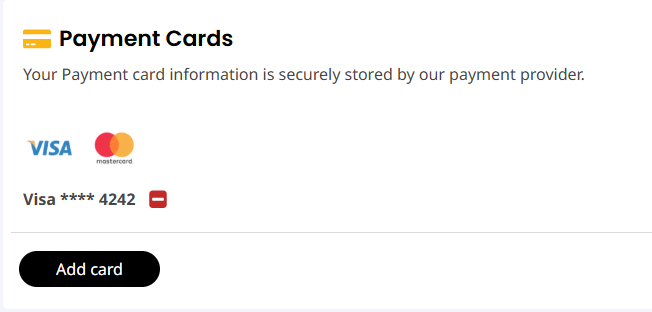
While waiting for your shipment to arrive, you must add a payment card to your account.
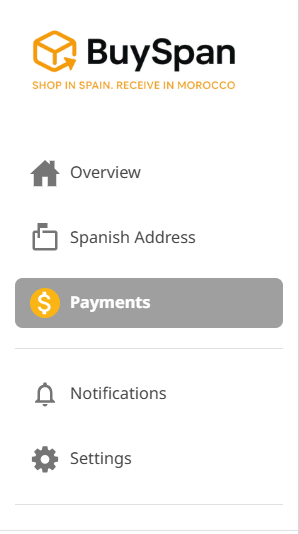
To do this, log in to your account and click “Payments”.
From here, you’ll have to click on “ADD CARD” and key in your payment card information. We accept major cards (Visa, MasterCard).
Once this is done, all you have to do is wait for your order to arrive.
STEP 3 – Creating your declaration
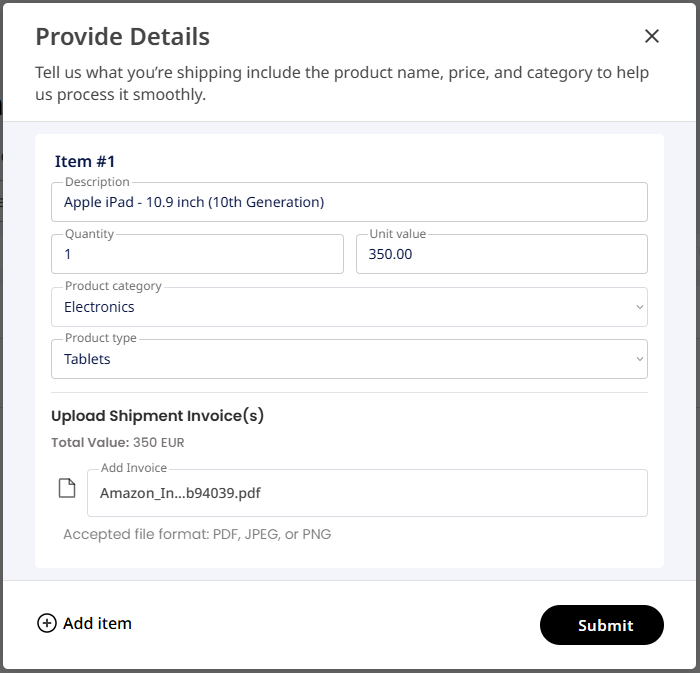
Once your order arrives at our Spanish facility, you will have to login to your account and create your declaration. To do this just click on the “Action Required” tab, look for the shipment you’d like to work on and click on “Provide Details”.
Things to remember when providing details for a shipment:
• Make sure that the description is not too generic.
• Make sure that you put in the right quantity
• The item value is always in EUR, no need to declare the shipping cost. Just declare the actual item value.
• “This item was made in North America” – Select this if you know that your item was manufactured in North America. You will be required to provide proof if an item was manufactured in North America. If you are unsure where your product was manufactured, leave this box unchecked.
• You can upload multiple page invoices, accepted file formats are PDF, JPEG and PNG.
• If you don’t see your item listed on the category dropdown, you can select “Other”.
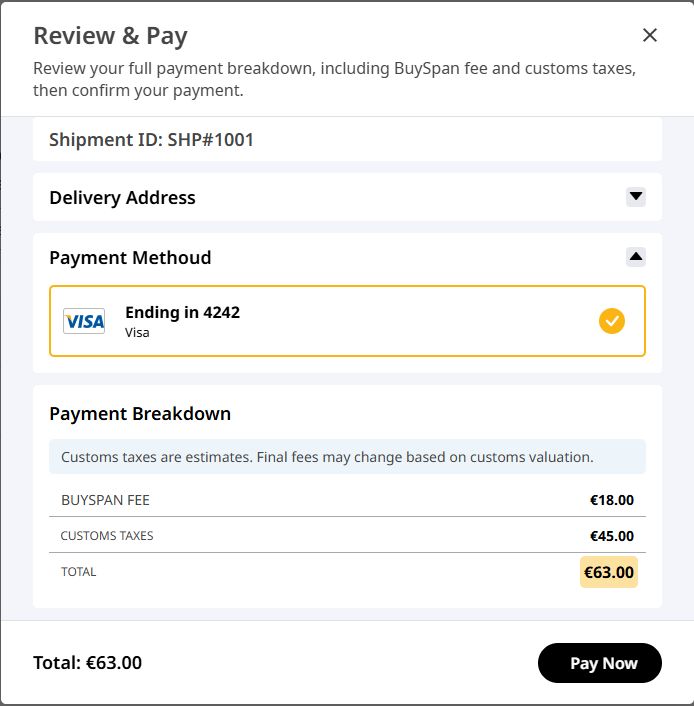
• The Duty and Tax shown on this part of the process are just estimates.
• If you can’t remember the item you purchased you can always request for an additional photo at an additional cost. Images can take up to 2 business days to be reflected on your account. You will also receive an email when an image has been uploaded.
From here, you can fill out the required fields and click on the SUBMIT button.
After hitting on SUBMIT, you will be moved to another screen where you can review the breakdown of charges. just click on “Pay Now” to confirm the payment.
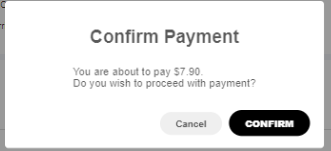
After reviewing the details just click on “Confirm” and confirm the payment.
Congratulations! You have successfully requested your shipment .
Your shipment will now be sent to our Data Entry Team for approval, they will double check the information you have provided. In case there are any issues, you will be notified via email. If all the information you have provided is correct, the shipment will be approved and will be added on the next trip.
Step 5 — Track & receive in Morocco
After the parcel leaves Spain, you can track its progress on your BuySpan dashboard.
Sit back and relax — your package will be delivered to your Moroccan address by our local delivery partner. You’ll be notified when it’s out for delivery and when it arrives.
That’s it. From Spain to your door, we handle the rest.